
PRIME 5.3
PRIME 5.3 delivers the first official integration of HTML content within PRIME, through a powerful and flexible HTML Input. Additionally, PRIME 5.3 delivers highly requested features across the spectrum of Chyron's clientele.
Chyron LIVE users can now enjoy all-encompassing master control panel capability within on-demand cloud production environments, while news broadcasters can use the Playout Automation mode to dedicate all PRIME Engine performance to set-and-forget automated playout.
Incorporate HTML Content into Your Graphics
HTML Input
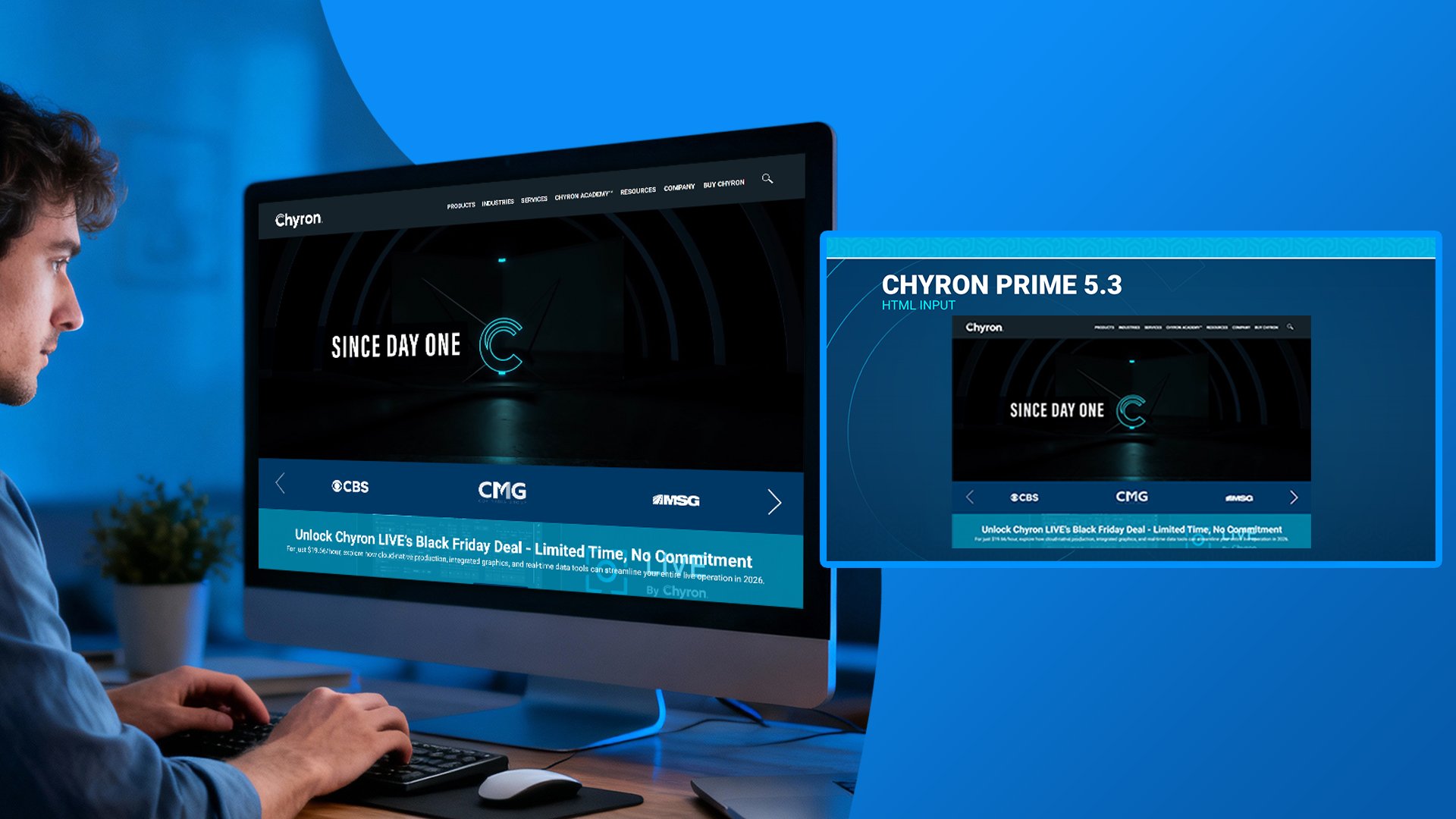
Representing the first official incorporation of HTML content within PRIME CG, version 5.3’s HTML Input enables designers to incorporate live web content within a PRIME scene. Upon inserting the HTML Input within a scene, users can enter a simple web URL address to populate the desired web content within a PRIME scene and customize the scene element to their needs.
HTML Content for your OTT Workflow
PRIME 5.3’s HTML Input makes it easier than ever to integrate with websites. Simply connect to the relevant website with relevant information and overlap your PRIME graphics for final output. Alternatively, users can now incorporate direct output from third-party HTML graphics systems into PRIME productions.
Refresh Control for Playout Operators
When working with web content that requires a refresh of data or content, playout operators can easily trigger a refresh of the HTML input directly from the scene control panel.
PRIME Master Control Panel in Chyron LIVE
What is Chyron LIVE?
Chyron LIVE is cloud-native production platform that provides an on-demand production control room entirely within a web browser, that unifies live switching, commentary & audio mixing, PRIME Clips and CG playout, as well as replay & telestration.
Intuitive Graphics Playout Control in Your All-in-One Cloud Production Environment
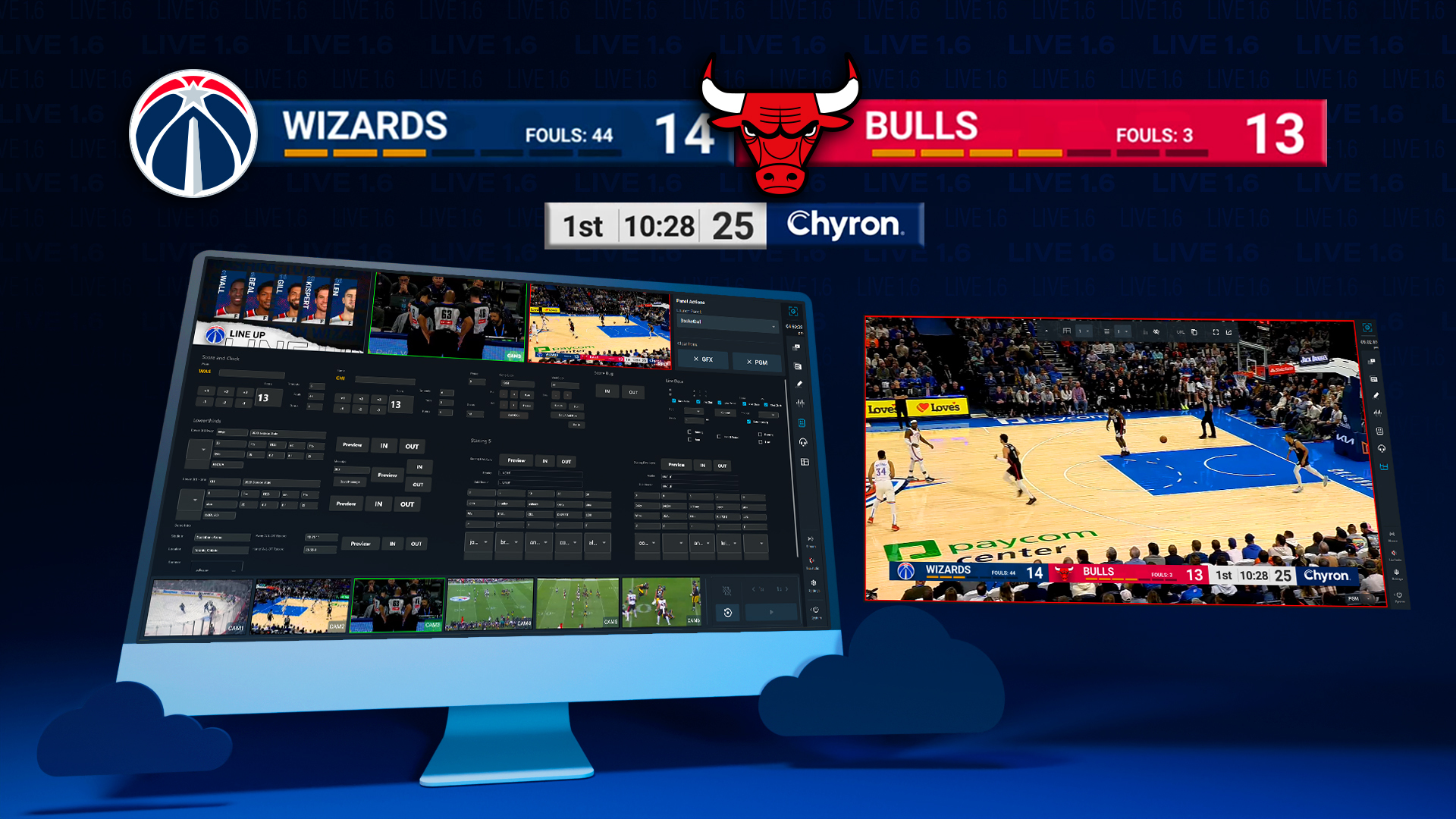
PRIME 5.3 unlocks one of the most powerful playout tools in PRIME for Chyron LIVE all-in-one productions – master control panels! Providing total freedom in customization, PRIME’s master control panels enable users to build tailored interfaces for their graphics packages that complete simplify live playout.
Users can build a one-to-one representation of a scoreboard for a sports match, an intuitive ticker-management interface for news, or any variety of control interfaces. With these custom panels, any operator can make the most of PRIME CG’s powerful broadcaster-quality graphics within their on-demand Chyron LIVE production environment.
Headless Operation for Fully-Automated Production
Playout Automation Mode
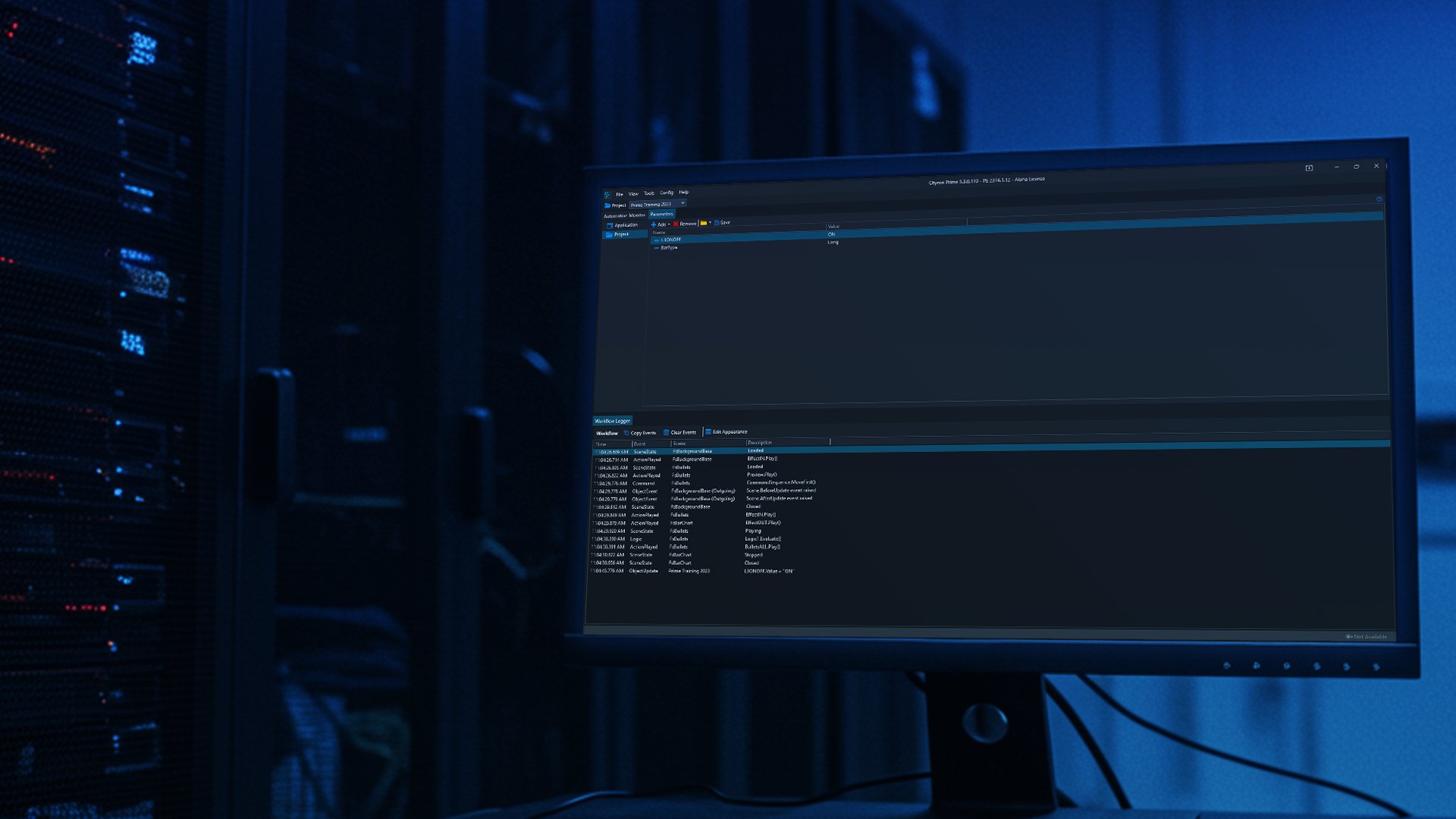
PRIME 5.3’s new Playout Automation mode is built for customers who want a set-and-forget graphics system for shows that run entirely on automated production control systems. PRIME CG has long supported control automation through Chyron Intelligent Interface and many other control protocols.
The difference with Playout Automation Mode is that PRIME users can now opt to strip back all elements within the operator user interface, to dedicate all performance to automated playout.
Effortless Playout Control Panel Creation
Simple Group Management of Panel Control Objects
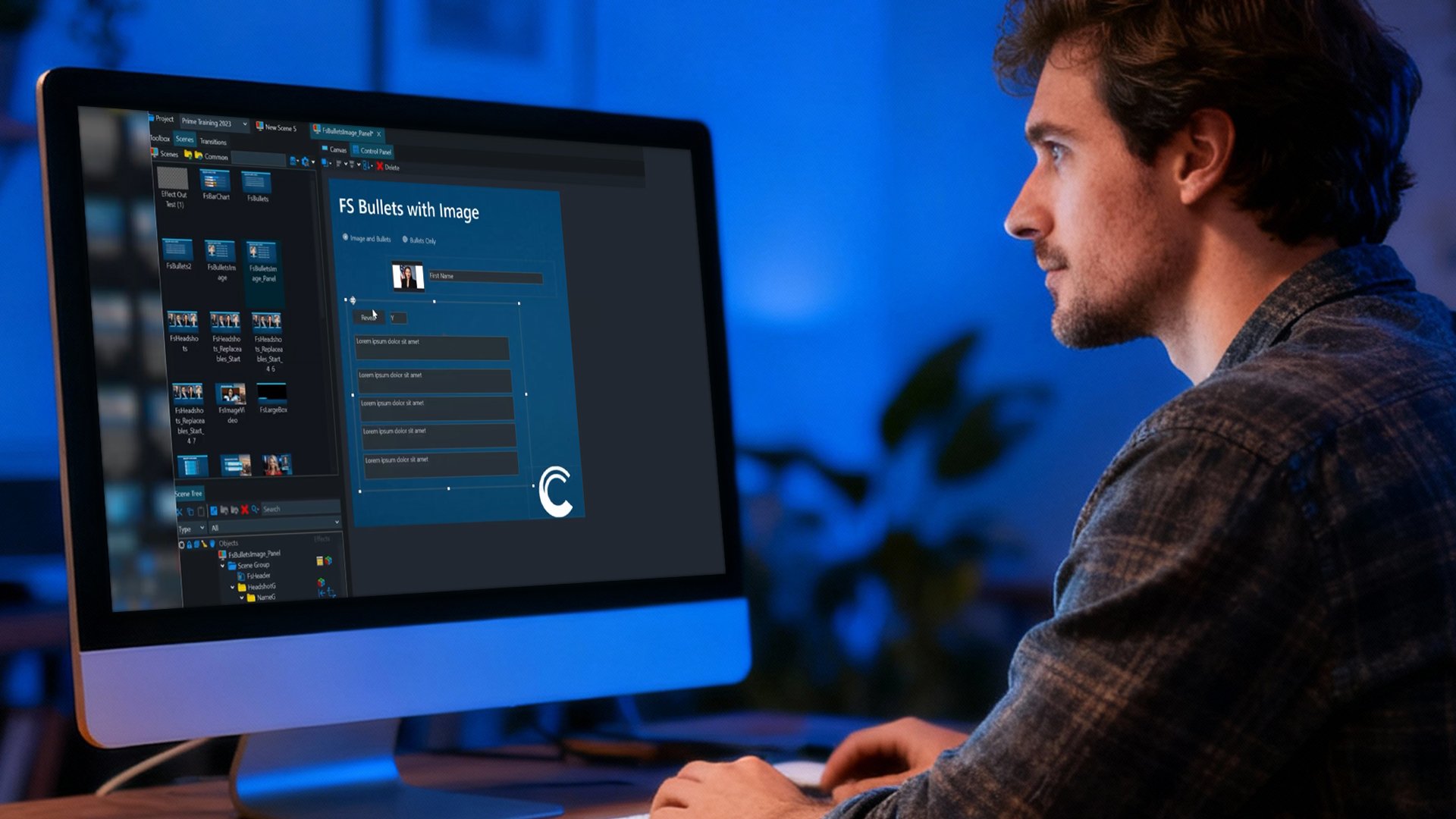
With 5.3’s new Panel Control Object, you’ll be able to combine multiple replaceable fields into a single group for effective panel creation and playout management. For example, with a fullscreen bullet point graphic, a producer can easily turn the bullet point control visibility off with a single click.
Playout Automation Mode
When dragging multiple objects from a scene tree into the control panel creation interface, users can now dictate how objects populate - left-to-right, top-down, or a single overlay - making it way easier to build a control panel with multiple scene elements. Great for quickly building out a control panel for large-scale, multi-object scenes!
Want to learn how your team can leverage HTML content in your productions?
Interested in leveraging PRIME for all-in-one, cloud-native production?
Schedule your demo of PRIME 5.3!
Whether you’re integrating live web content, building custom master control panels, or automating your graphics playout, PRIME 5.3 helps teams work faster, stay future-ready, and deliver richer productions with confidence, all on a single, cloud-native platform.