
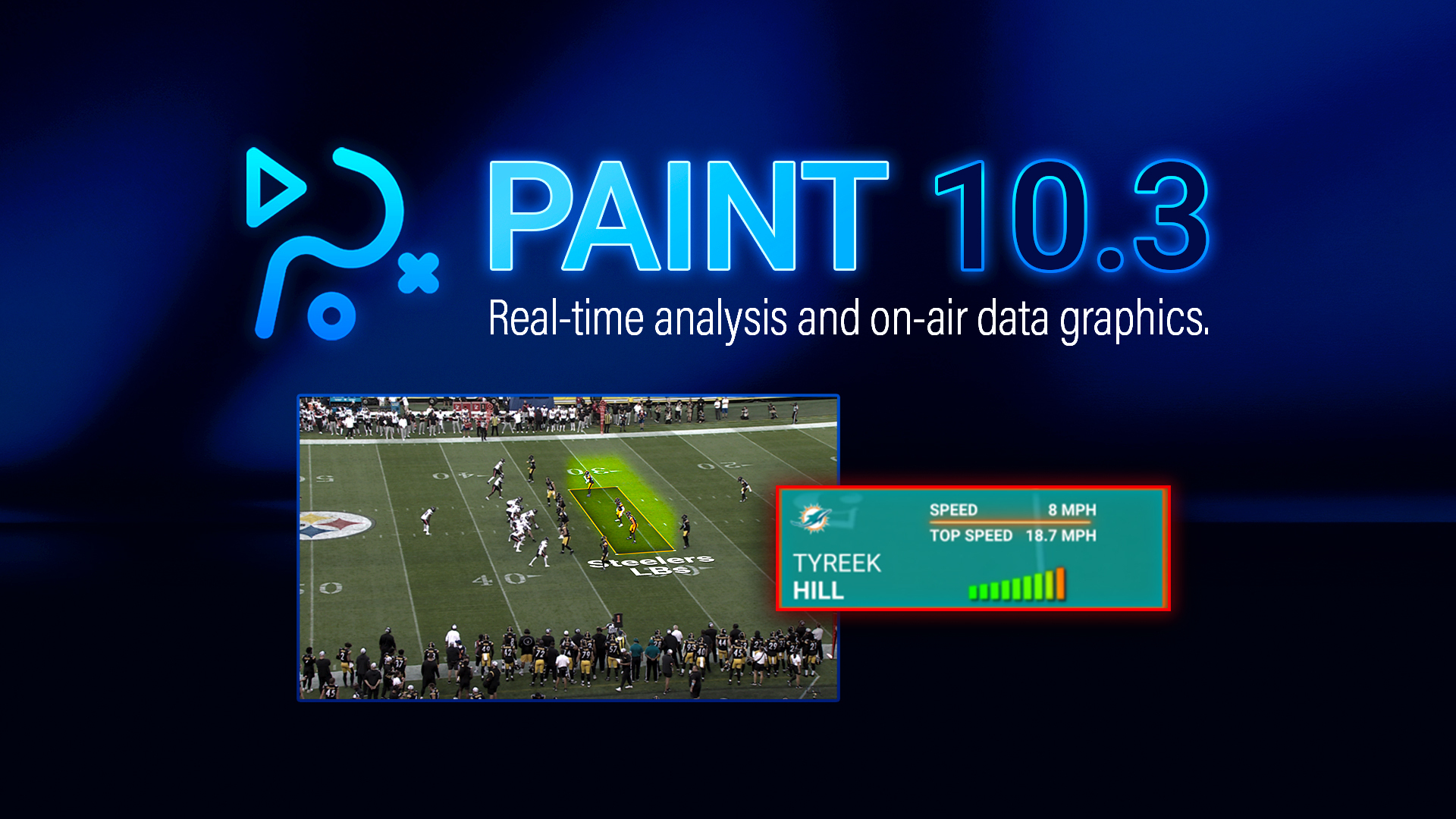
PAINT 10.3
Spotlight the Moment That Matters
Chyron PAINT 10.3 helps analysts and operators turn live action into clearer, faster storytelling with active graphics, a new speedometer tool, and an updated zone tool that spotlights the play by blurring everything outside the zone. The release also adds an in-app version notification to keep teams up to date without disrupting production.
What’s new in PAINT
PAINT 10.3 introduces active graphics, an optional layer that transforms animated visuals driven by AI player tracking or keyframing, and a new speedometer tool that can be styled to match your show. The release also adds a zone tool update with dynamic outside blur that can animate to follow the play, and an in-app version notification that alerts operators when a newer build is available.
Active Graphics
Build Animated Graphics with AI Player Tracking or Operator Keyframing
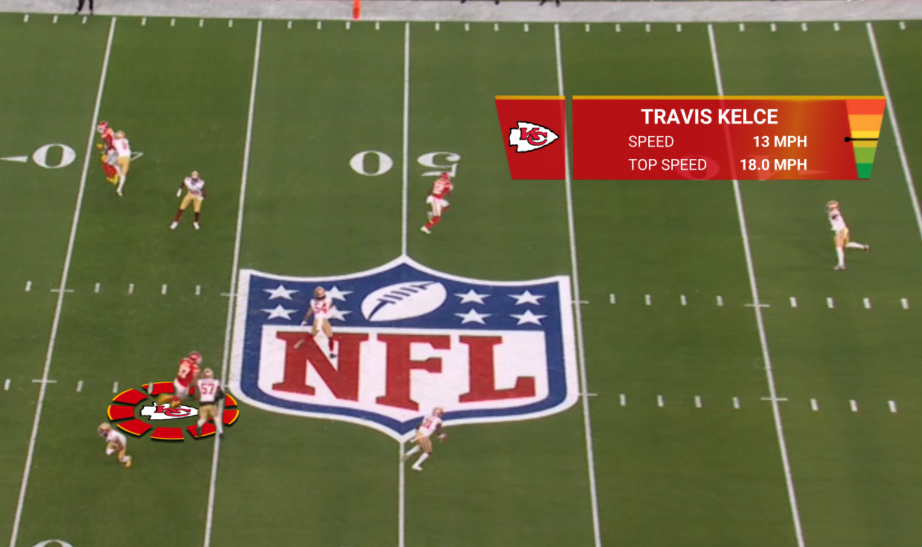
Add an optional active graphics layer that creates animated visuals powered by PAINT’s AI player tracking or operator keyframing. Use AI player tracking to drive the speedometer and eliminate manual keyframing, or apply the layer to keyframes that are created manually to get to air faster.
Place graphics as a player-following billboard or as a fixed 2D element anywhere in the video, then reuse looks across shows to keep styling consistent and on-brand.
Speedometer Tool
The Speedometer tool adds a place-anywhere speedometer graphic with multiple on-air looks. Use it with any calibrated sport, driven by manual keyframing or PAINT’s AI player tracking. It also supports more than 20 sports by using pitch calibration and keyframing to extract the needed values.
Bind the speedometer to a tracked player to display name, live speed, and top speed for clearer, more precise visual insight. The speed display reflects only the moment the tool is placed through the moment it is removed, keeping everything before and after untouched.
Zone Tool Update
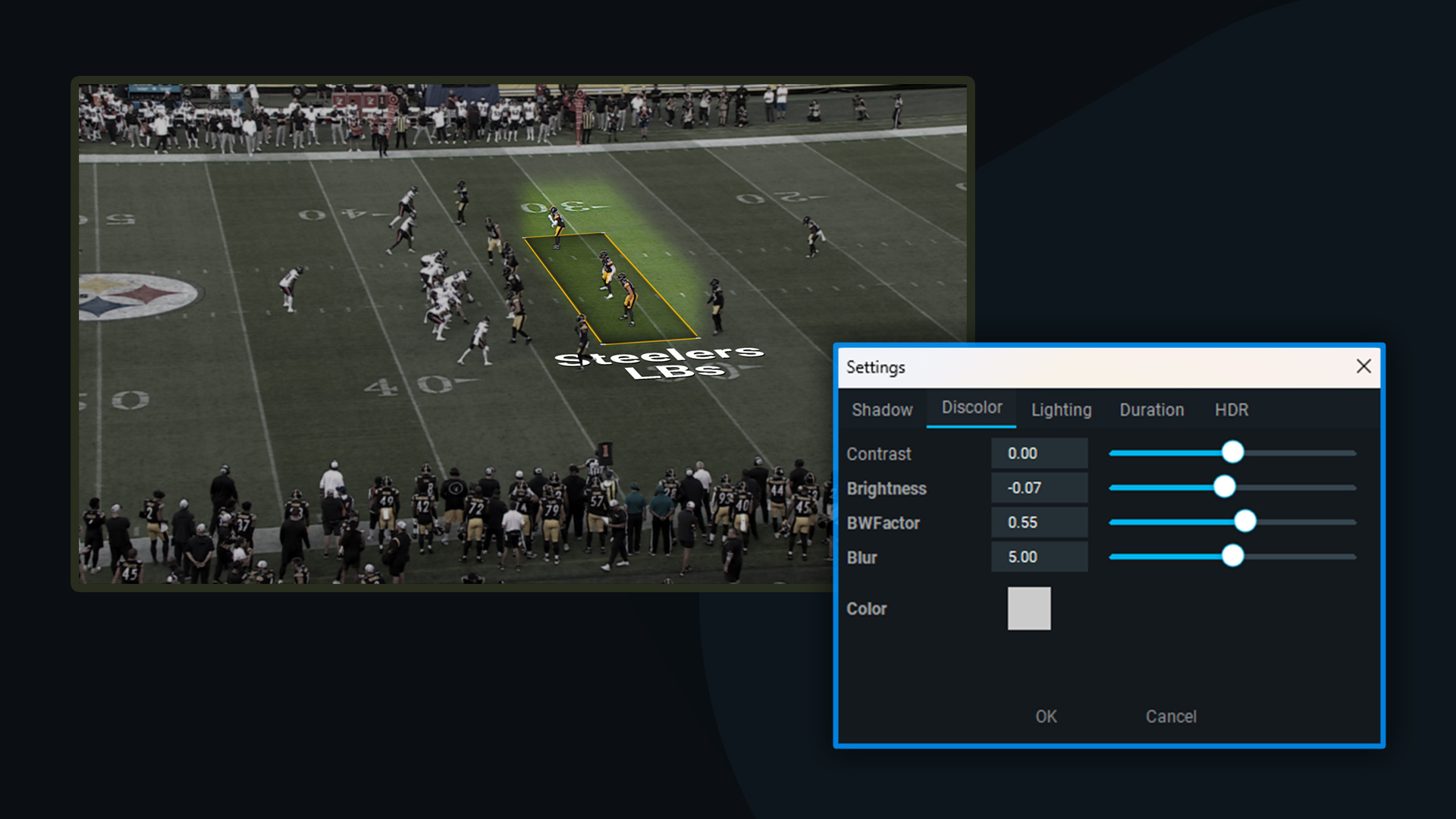
Blur everything outside a zone to spotlight the play
Turn any on-field area into the story with the zone tool update, which uses a dynamic zone blur to soften everything outside the zone and spotlight the play. As the action develops, operators can animate a highlight zone to follow the action, keeping viewers focused on the moment that matters, while fine-tuning the outside treatment with adjustable blur, black-and-white, and brightness/contrast for the right editorial look.
Built for fast live workflows, the tool gives operators strong control over the look. Set blur height to include the players you want inside the zone, then save those settings globally for consistent, repeatable results.
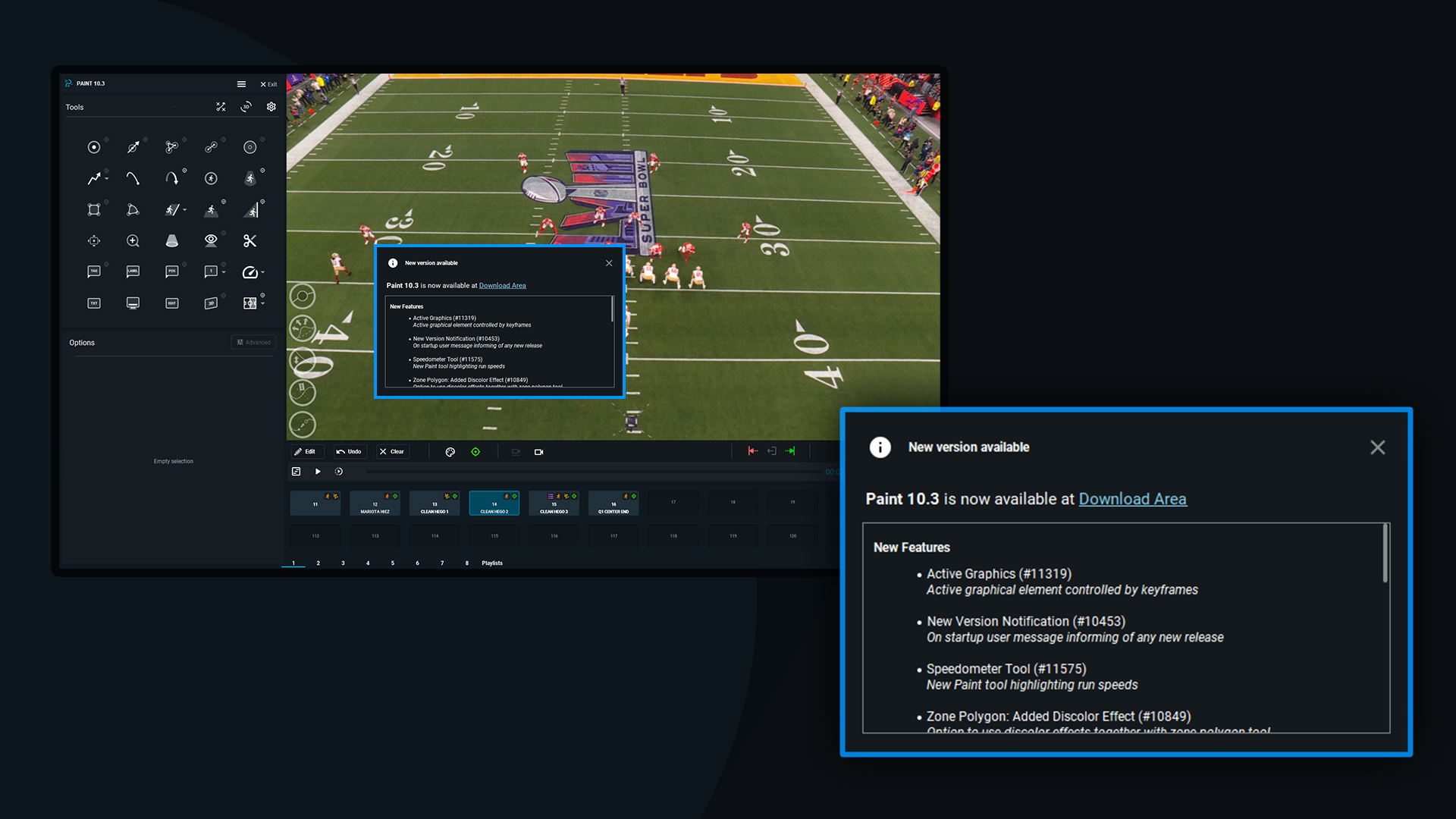
In-App Version Update Notification
Stay current without disrupting production
PRIME 5.3’s new Playout Automation mode is built for customers who want a set-and-forget graphics system for shows that run entirely on automated production control systems. PRIME CG has long supported control automation through Chyron Intelligent Interface and many other control protocols.
The difference with Playout Automation Mode is that PRIME users can now opt to strip back all elements within the operator user interface, to dedicate all performance to automated playout.
From Live Action to On-Air Storytelling
Chyron PAINT 10.3 is built for live moments, helping teams tell clearer stories faster. Active graphics bring tags to life with data-driven motion, while the speedometer can be placed anywhere to match your show’s look. The zone tool update keeps attention on the play by blurring everything outside the zone.
Finally, an operator-safe version notification helps crews stay current without disrupting production.
Interested in turning live analysis into clearer, faster storytelling with PAINT 10.3?
Discover how PAINT 10.3 helps analysts and operators highlight the moments that matter most with AI-driven active graphics, a new speedometer tool for instant player insights, and an enhanced zone tool that keeps viewer focus exactly where it belongs.
Designed for fast live workflows, PAINT 10.3 reduces manual effort, accelerates on-air turnaround, and delivers more impactful visuals so your team can tell stronger stories in real time with confidence.